Recent issues with Intel 13th and 14th generation CPUs
There have been recent reports of failures in Intel’s 13th and 14th generation CPUs. Intel claims that improper voltage delivery to the CPU can cause rapid deterioration, resulting in system lockups and blue screens of death. To address this issue, Intel has released a microcode update that fixes the improper voltage delivery to the CPU. Additionally, Intel has extended the warranty on all 13th and 14th generation CPUs from three to five years, including newly purchased units.
CAD Masters recommends users with 13th and 14th generation CPUs update their BIOS firmware to prevent potential damage. To update your BIOS firmware, you will need a flash drive.
- To find out your CPU model and motherboard manufacturer click the windows button at the bottom left-hand corner and type “System Information”

- System information will list your CPU model and motherboard manufacturer
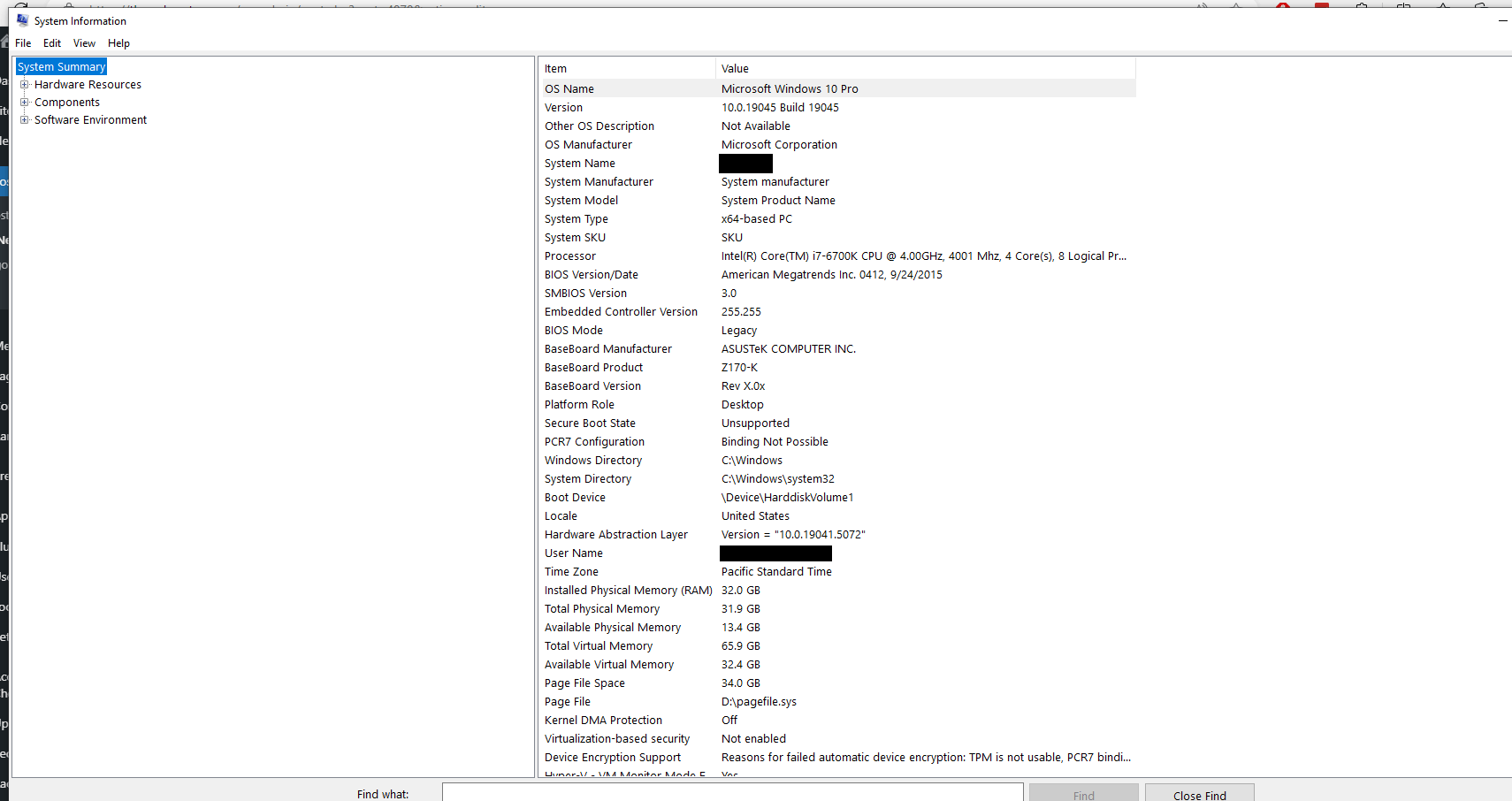
- Once you confirm your CPU model and motherboard manufacturer, go to their site and find the BIOS firmware update. If you have an ASUS motherboard, go to https://www.asus.com/us/support/download-center/ and enter your motherboard model.

- After you find your motherboard model click on “BIOS & Firmware and download the latest BIOS Version.
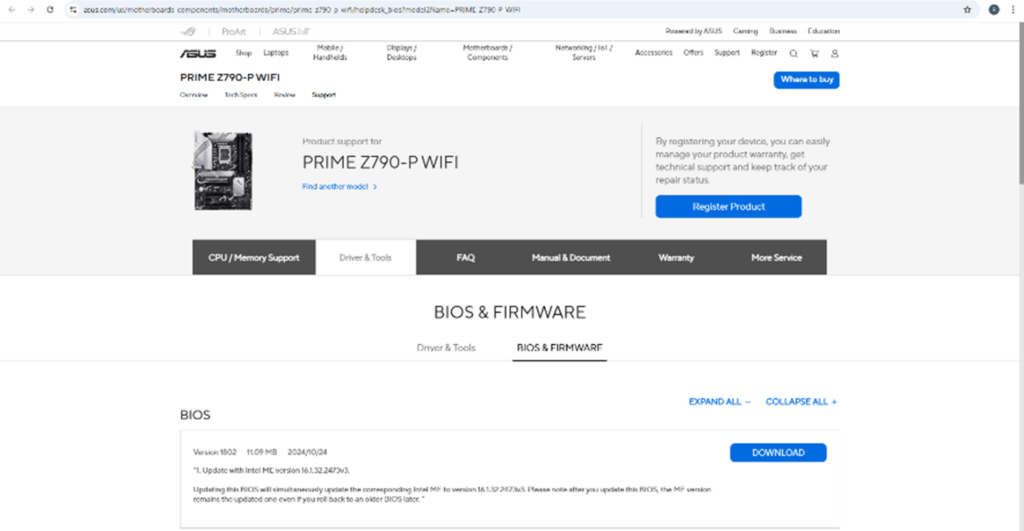
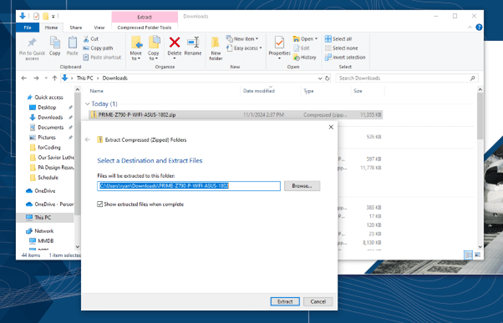
- Once it is finished downloading, right click the .zip file and select “Extract all”. Select the destination of the extracted files and hit the “Extract” button at the bottom right-hand corner.
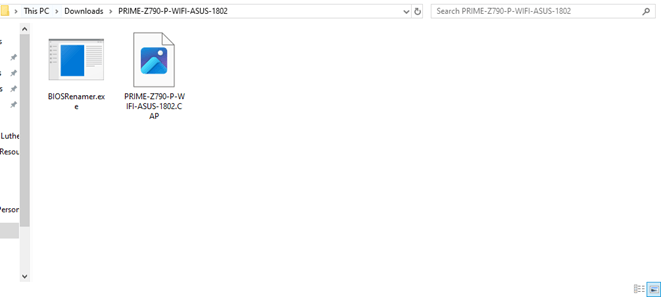
- The folder with the extracted files will appear. Move the “PRIME-790-P WIFI-ASUS-1802.CAP file to your flash drive.
- After the BIOS file is transferred to your flash drive, restart your computer and hit “Delete” until you enter your BIOS.
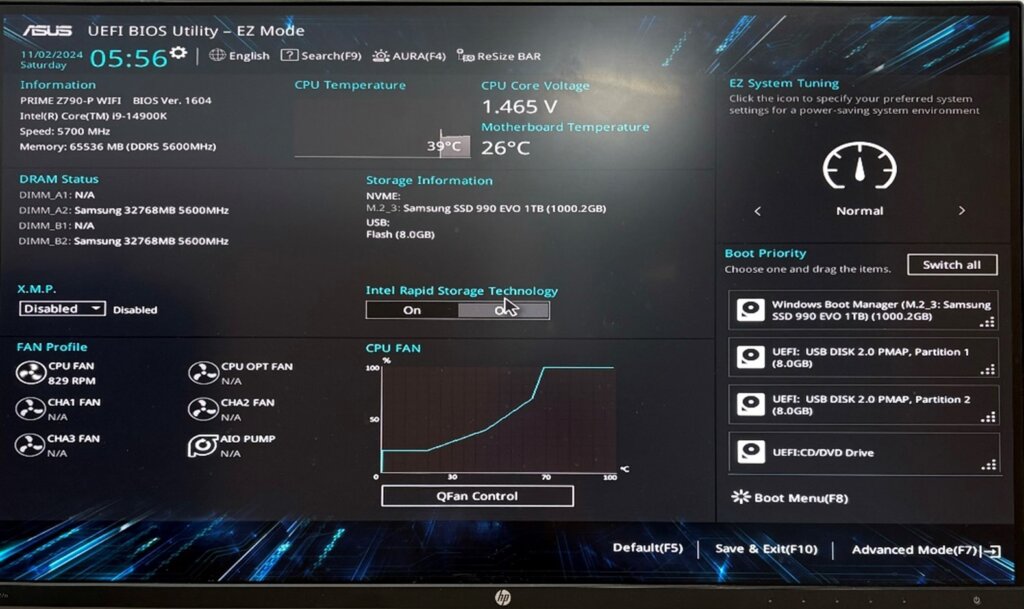
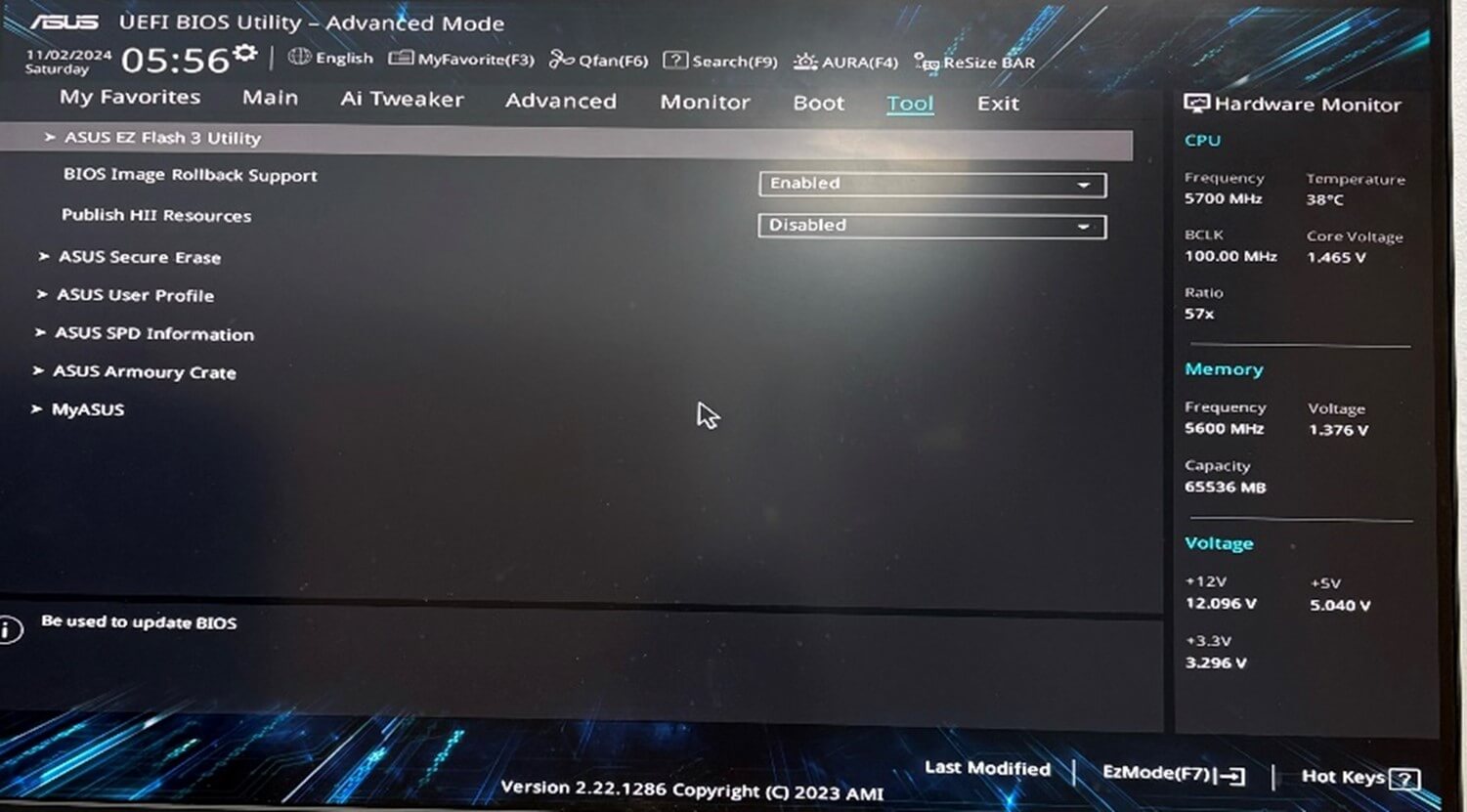
- After you’ve entered BIOS, hit “F7” to enter the advanced mode
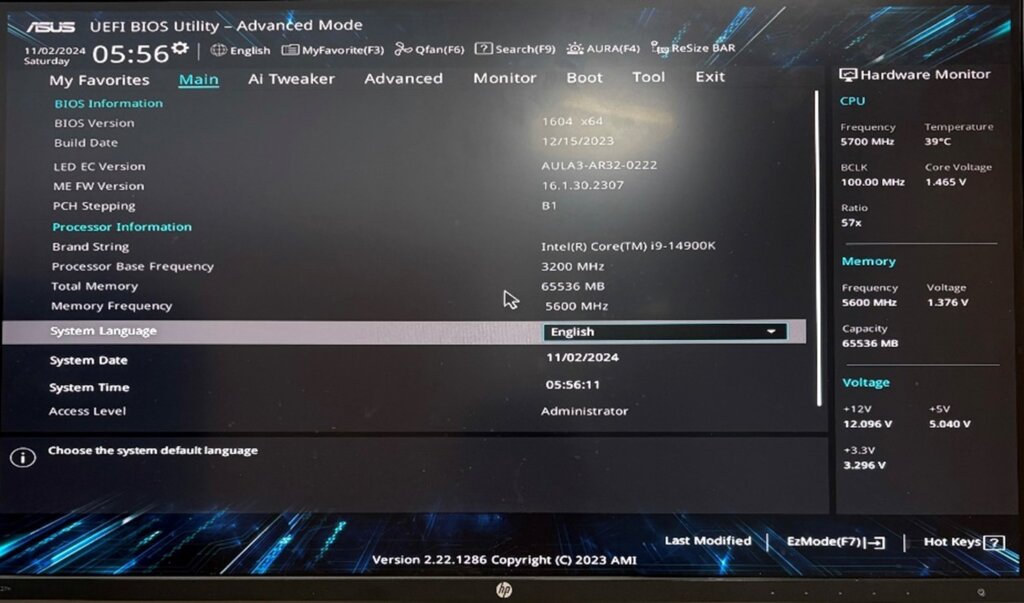
- In advanced mode go to the “Tool” tab and select “ASUS EZ Flash 3 Utility”

- Find your flash drive with the BIOS update file and hit enter on it

- Select yes for the next 3 pop ups
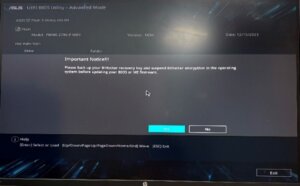
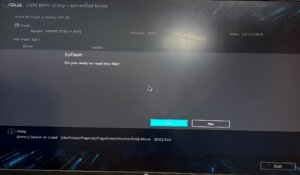
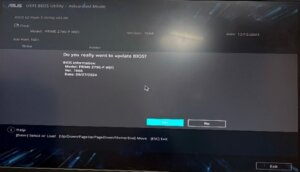
- After you select yes on all those prompts the BIOS update will start installing, this will take about 10 minutes, do NOT restart your computer during the installation process. Once the BIOS update finishes your computer will automatically restart.